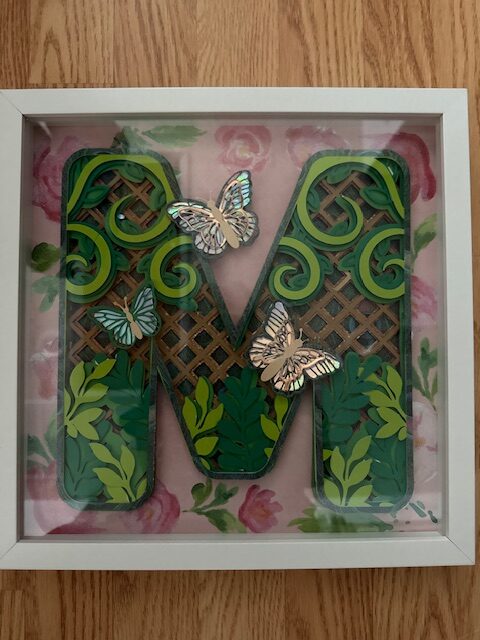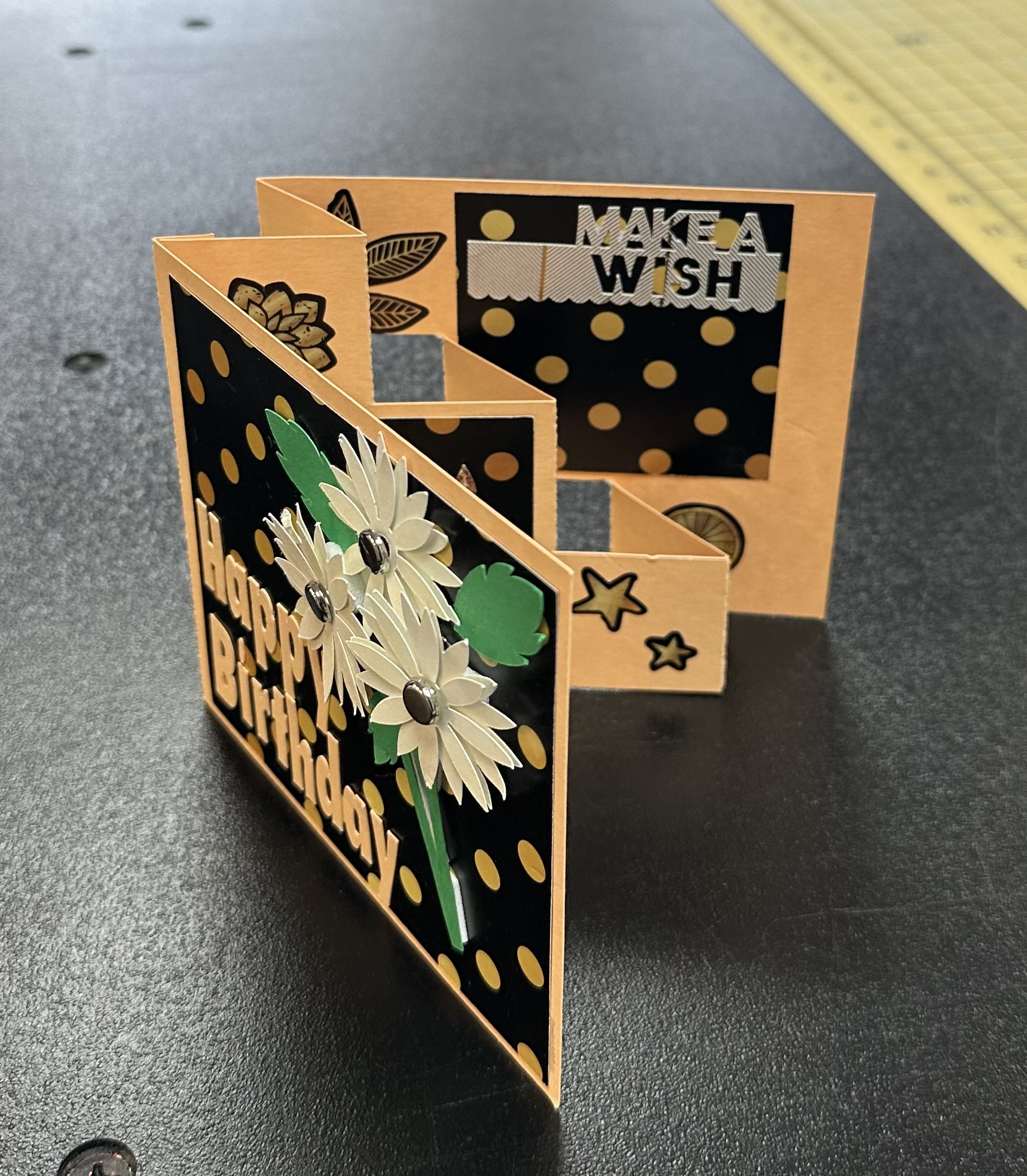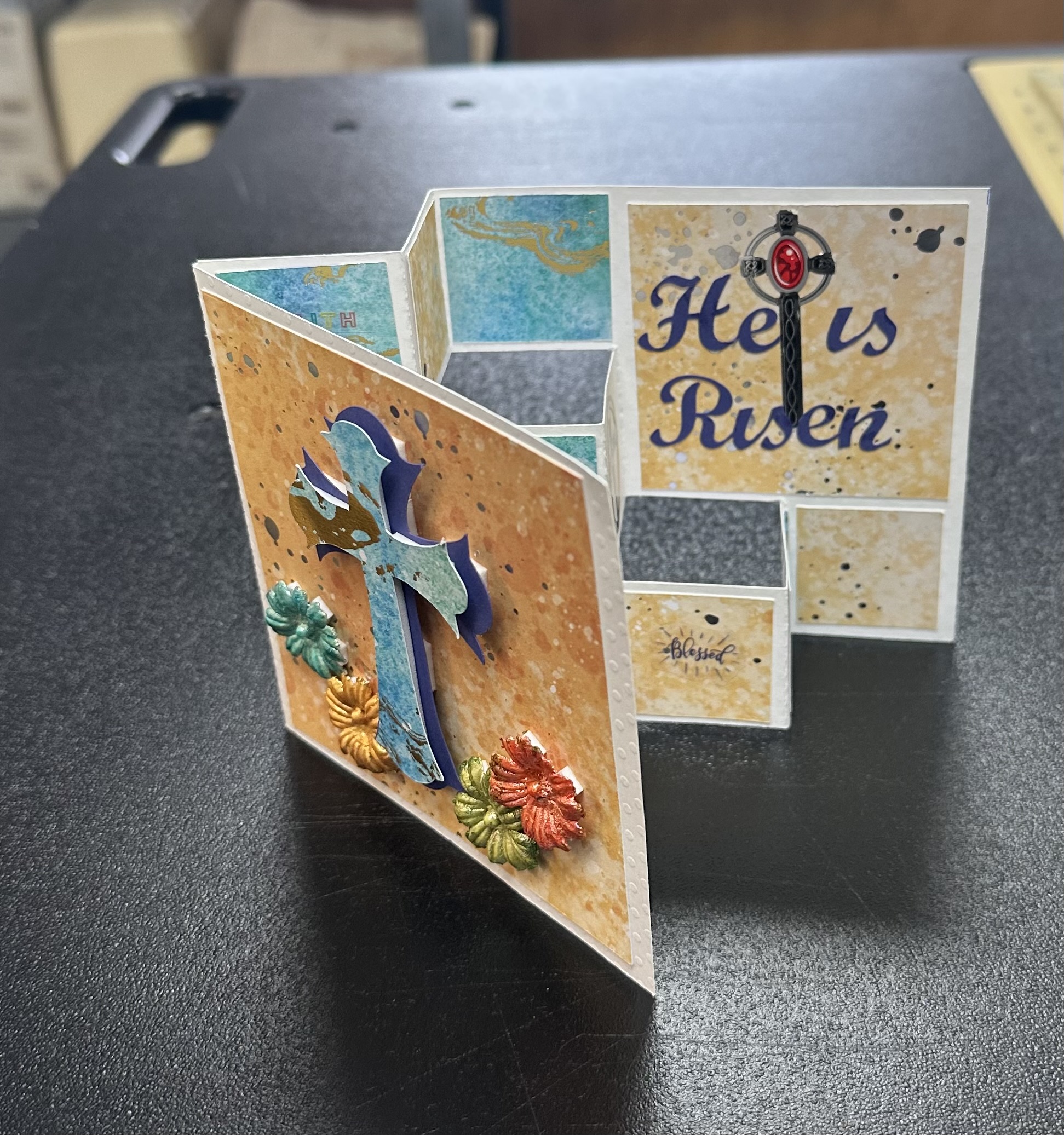
Brother Scan N Cut Class

Class: Brother Scan N Cut

March 28, 2026 at 10 AM - 2 PM

Class Description:

Looking for a Brother Scan N Cut class near you in Jacksonville, FL? This hands-on workshop at Best Sewing & Vacuum will teach you how to confidently use your Scan N Cut machine and Brother CanvasWorkspace software while creating a dimensional pop-up step card.

Unlock the creative power of your Brother Scan N Cut in this hands-on workshop designed to help you confidently use both your cutting machine and computer software. In this one-day class, you’ll learn how to design and create a stunning step pop-up card while mastering the basics of Brother CanvasWorkspace.

Whether you’re new to digital cutting or ready to expand your skills, this class will walk you through the process of adjusting patterns, preparing files, and creating custom designs directly from your computer to your Scan n Cut machine.

What You’ll Learn:

  • How to use your Brother Scan N Cut for precise cutting
  • Navigating and editing designs in Brother CanvasWorkspace
  • Adjusting and resizing patterns on your computer
  • Creating dimensional designs for a professional pop-up effect

Final Project:

A completed Step Pop-Up Card designed and cut using your Scan n Cut machine

What’s Included:

  • Materials provided at sign-up
  • Guided instruction throughout the class

What to Bring:

  • Your Brother Scan N Cut machine
  • A full supply list will be emailed prior to class
Key Details:

  • Instructor: Donna Marquis
  • Skill Level: Beginner, Intermediate
  • Techniques Used: ScanNCut, Computer Skills
  • Available Spots: 10
  • Price: $35.00

End Product: Pop-up Step Card

Reserve Your Spot: Spots are limited! Make sure to reserve your seat today.

How to Register This Class


Step 1: Complete the Registration Form

  • Fill out all required fields, including your name, email address, and phone number. This information ensures we can properly register you for the class and send you any important updates.

Step 2: Submit Your Registration

  • Once the form is completed, click the “Submit Registration” button to finalize your registration.
  • After submitting the form, you will receive a confirmation email with all the details about the class. Please save this email as it will serve as your proof of registration.

Step 4: Instructor Follow-up

  • Your instructor, Donna Marquis, will give you a follow-up call to answer any questions you may have and provide additional details about the class. This is a great opportunity to ensure you’re fully prepared for the session.

We look forward to seeing you in the class!

Reserve Your Spot Your Spot Here!

By submitting this form you agree to our Privacy Policy

Take a Look at Sewing Classes Offered at Best Sewing & Vacuum Stores

Brother Scan N Cut Class

March 28, 2026 at 10 AM - 2 PM
View Class Info →

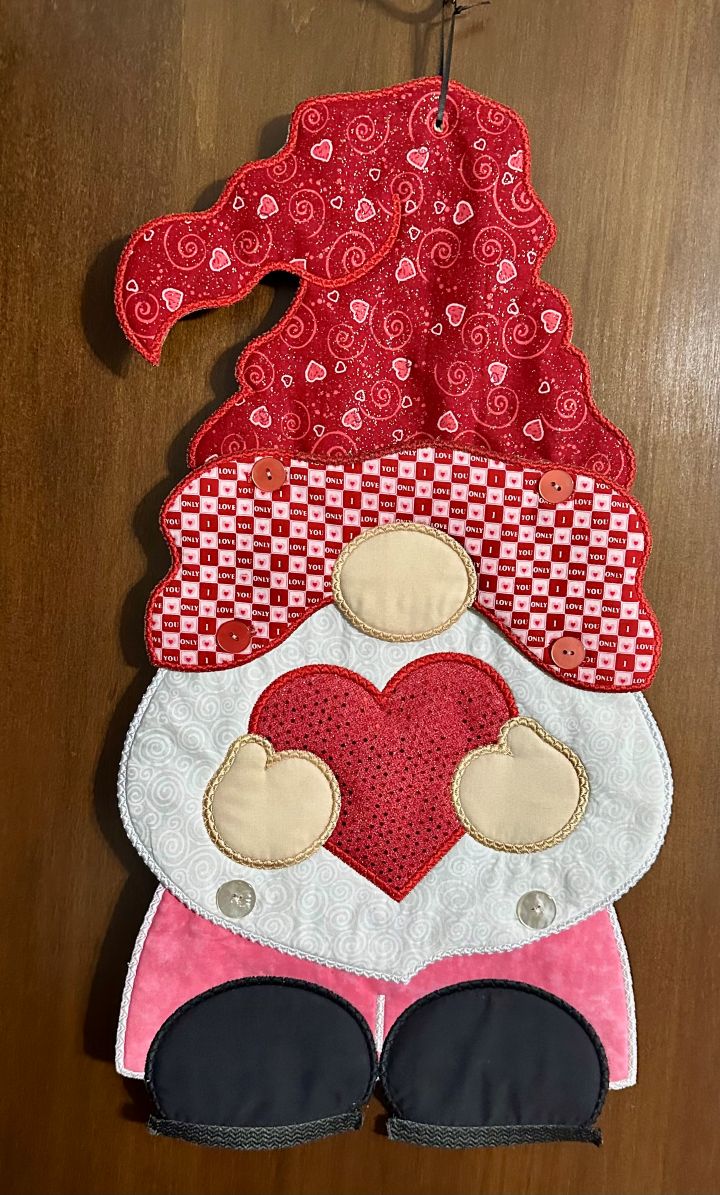
Gnome Wall Hanging Embroidery Class

March 4, 2026
View Class Info →

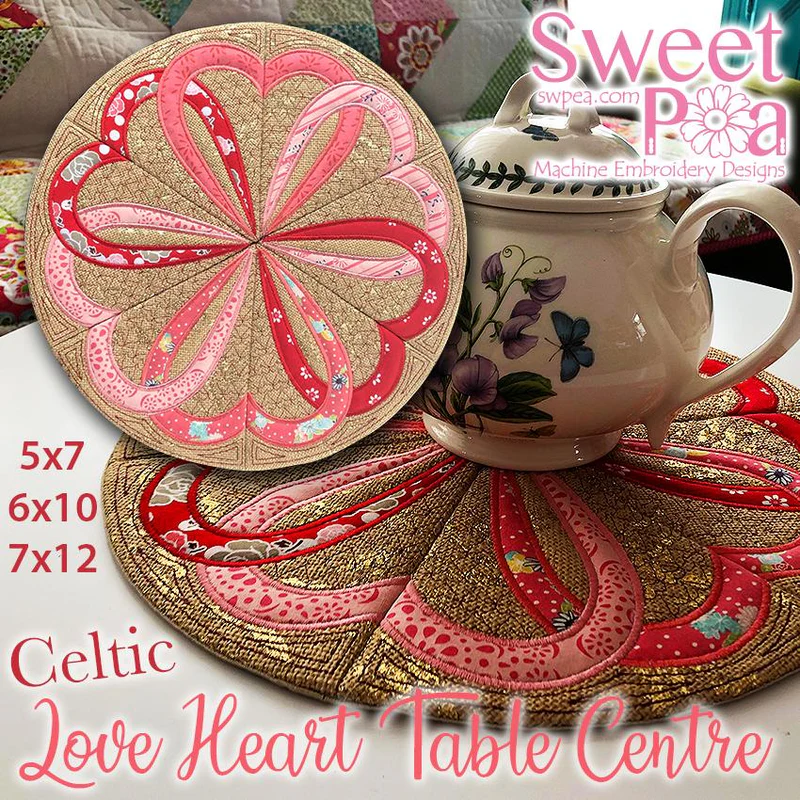
Celtic Live Heart Table Center Class

February 11, 2026
View Class Info →

Scan N Cut layered letters by Donna

February 13, 2026 at 10:00am - 2:00pm Learn how to create eye-catching layered letters using the Brother ScanNCut! In this hands-on class, you’ll learn how to design, cut, and assemble multi-layer letter projects perfect for signs, home décor, gifts, and more.
View Class Info →
Shopping Cart
Scroll to Top